Phone
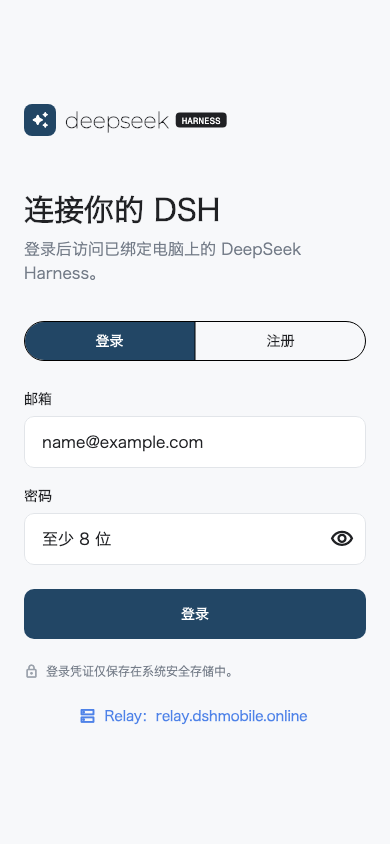
Sign in, scan the encrypted pairing QR code, then choose an online computer.
 Open source Android remote
Pair once, open your local Harness, and submit normal tasks from Android through the familiar Web UI.
Unofficial community project. Independently developed and not reviewed, endorsed, or supported by DeepSeek.
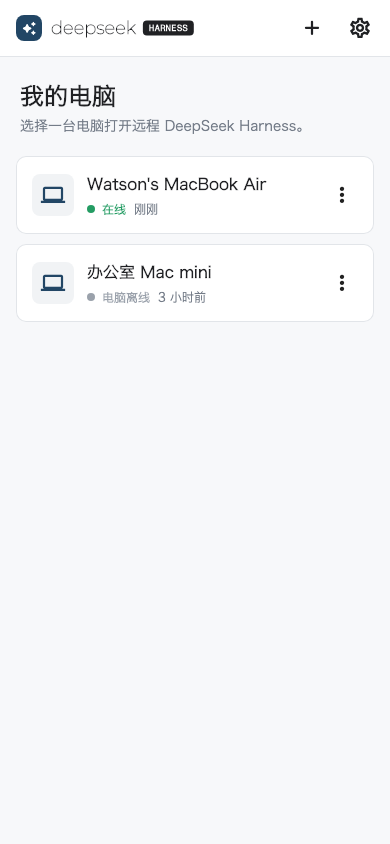
The phone, Relay, and computer each have one clear job. Your local DSH listener stays local.
Sign in, scan the encrypted pairing QR code, then choose an online computer.
The plugin follows the DSH Web process. DSH stays bound to 127.0.0.1:3080.
Routes authenticated opaque frames without receiving the DSH content key.
The remote flow stays inside the interfaces you already use.
Install the signed Android APK and the pinned DSH plugin, then start DSH Web.
Open Settings > Remote Access, then scan the encrypted QR code.
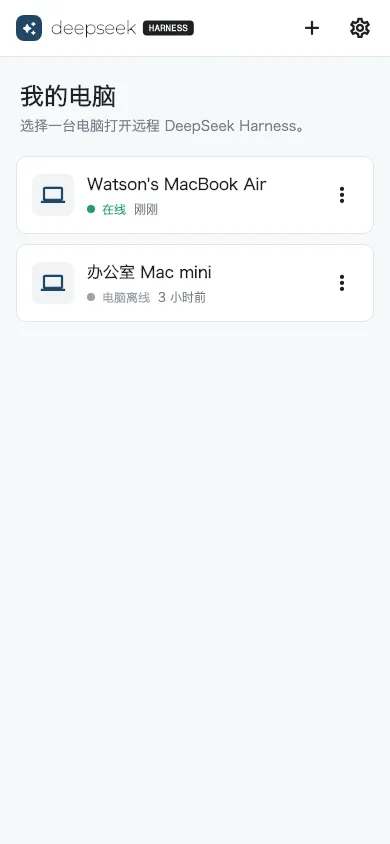
Choose the computer, create a task, submit instructions, and follow progress in real time.
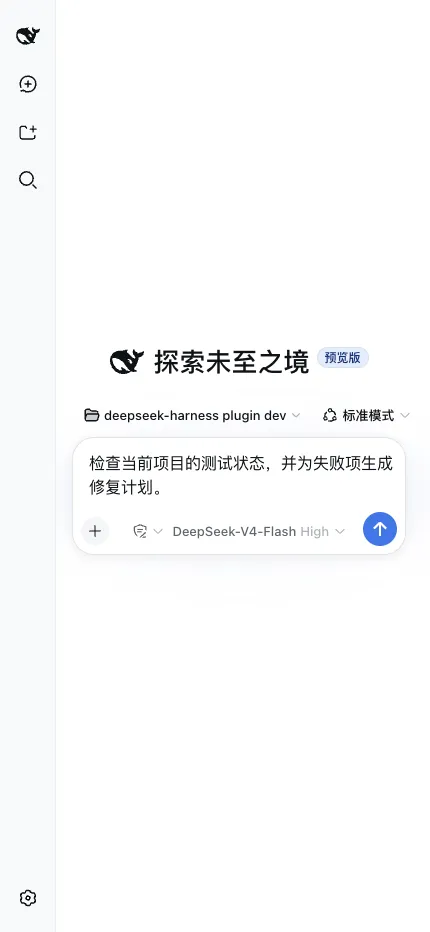
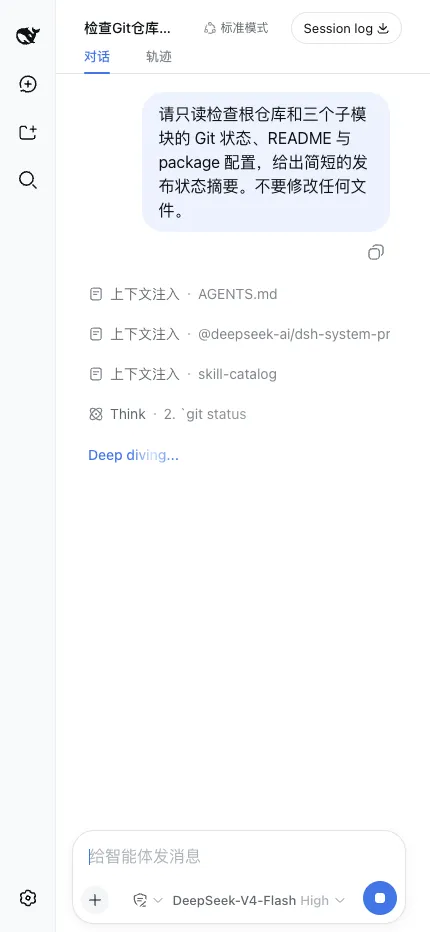
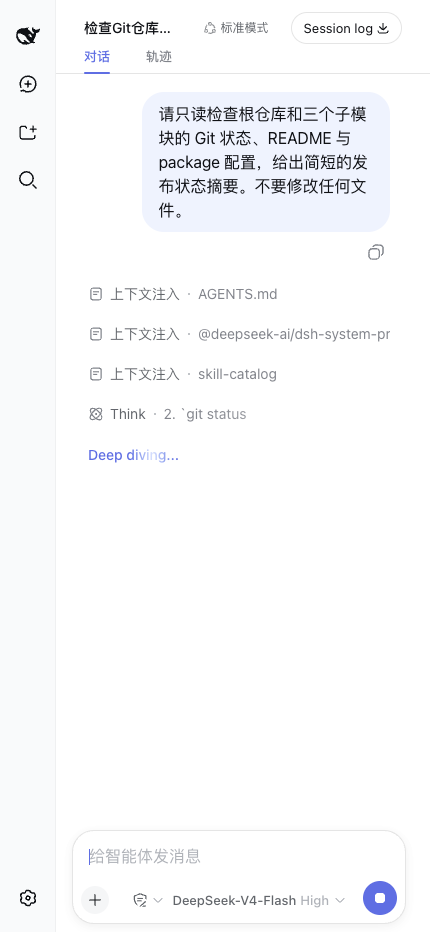
Keep the normal workspace picker, mode, model, task composer, live reasoning status, elapsed time, and stop control.
See how remote sessions workThe Companion opens an outbound WSS connection. It does not create a public listener or send the device token to the phone.
Version 0.1.4 encrypts DSH session content end to end; traffic metadata remains visible to the Relay.
Read the security modelPublic builds can switch to a compatible private Relay without recompiling the app.
Start quickly with relay.dshmobile.online. The phone and computer use the same account boundary.
https://relay.dshmobile.onlineDeploy the MIT-licensed Relay behind HTTPS, persist its data, and point both ends to your origin.
Deploy a private RelayStraight answers about compatibility, traffic, and project status.
No. It is an independently developed open-source community project. DeepSeek has not reviewed, endorsed, or supported it.
No. DSH remains on 127.0.0.1:3080. The computer-side plugin opens only an outbound WSS connection to the configured Relay.
Yes. Deploy the open-source Relay behind HTTPS, then configure the same origin in the mobile app and before starting DSH.
Yes for DSH session content in version 0.1.4. Mobile and Companion encrypt HTTP, SSE, and WebSocket envelopes; the Relay still sees account/device associations, timing, and ciphertext sizes.
The current public release provides a signed Android APK for Android 8.0 or newer. The Flutter source also targets iOS 14 or newer.
No. The mobile client uses account access tokens and short-lived WebView tickets. The device credential stays on the computer.
It does not persist forwarded HTTP or WebSocket bodies. It stores accounts, devices, pairing state, and bounded access metadata.
Download the signed Android build, verify its checksum, and pair it from DSH settings.